The project at a glance
Familiar spreadsheets. One connected invoicing workflow.
The existing Excel template remains the starting point. TabellenFaktura connects it with structured e-invoices and guides users from field mapping to a prepared sending workflow.
The design decision
Complex processing needs clear steps.
The design follows the actual invoicing workflow. Mapping, preliminary checks and results are explained as connected steps. The product website turns this depth into an understandable introduction.
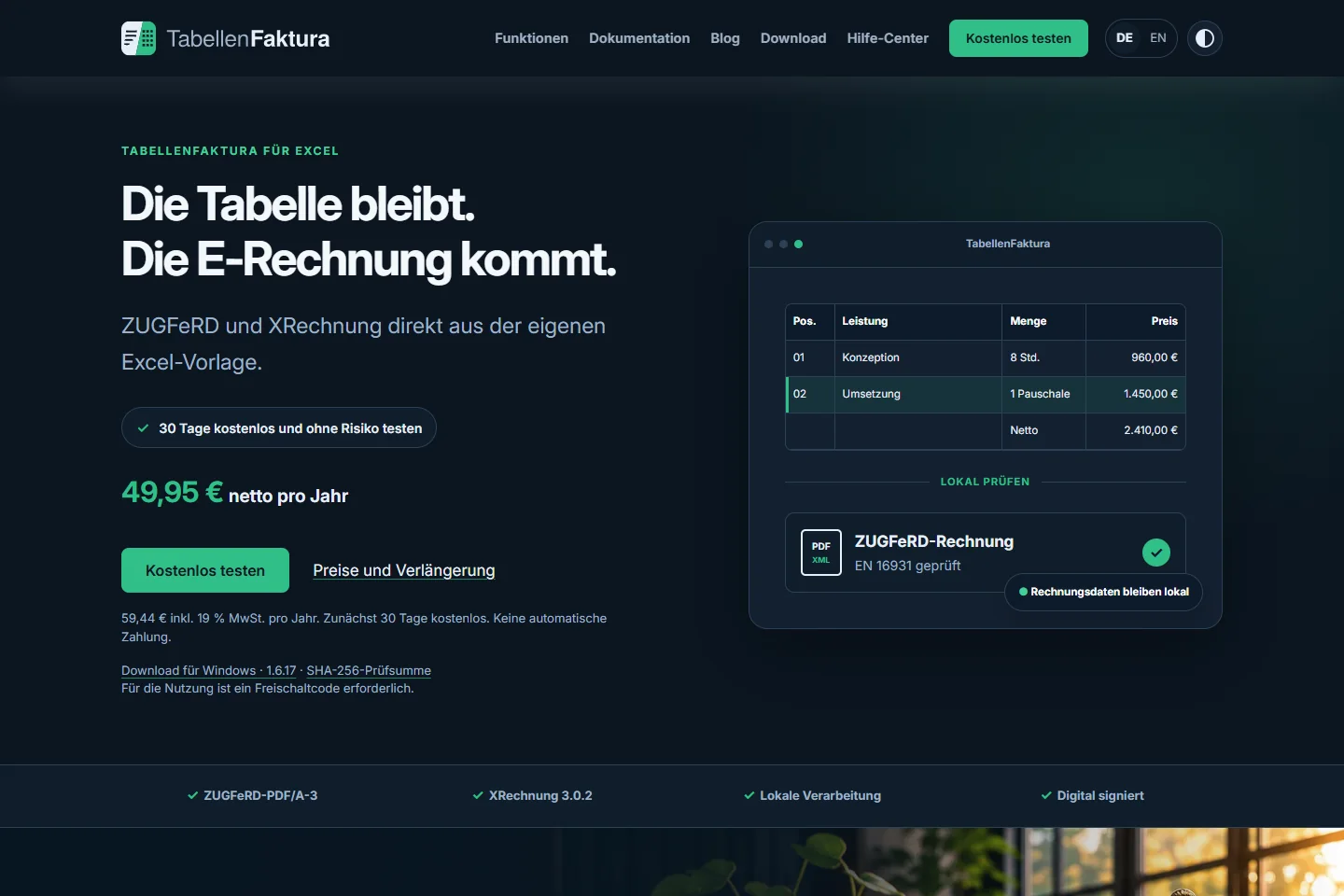
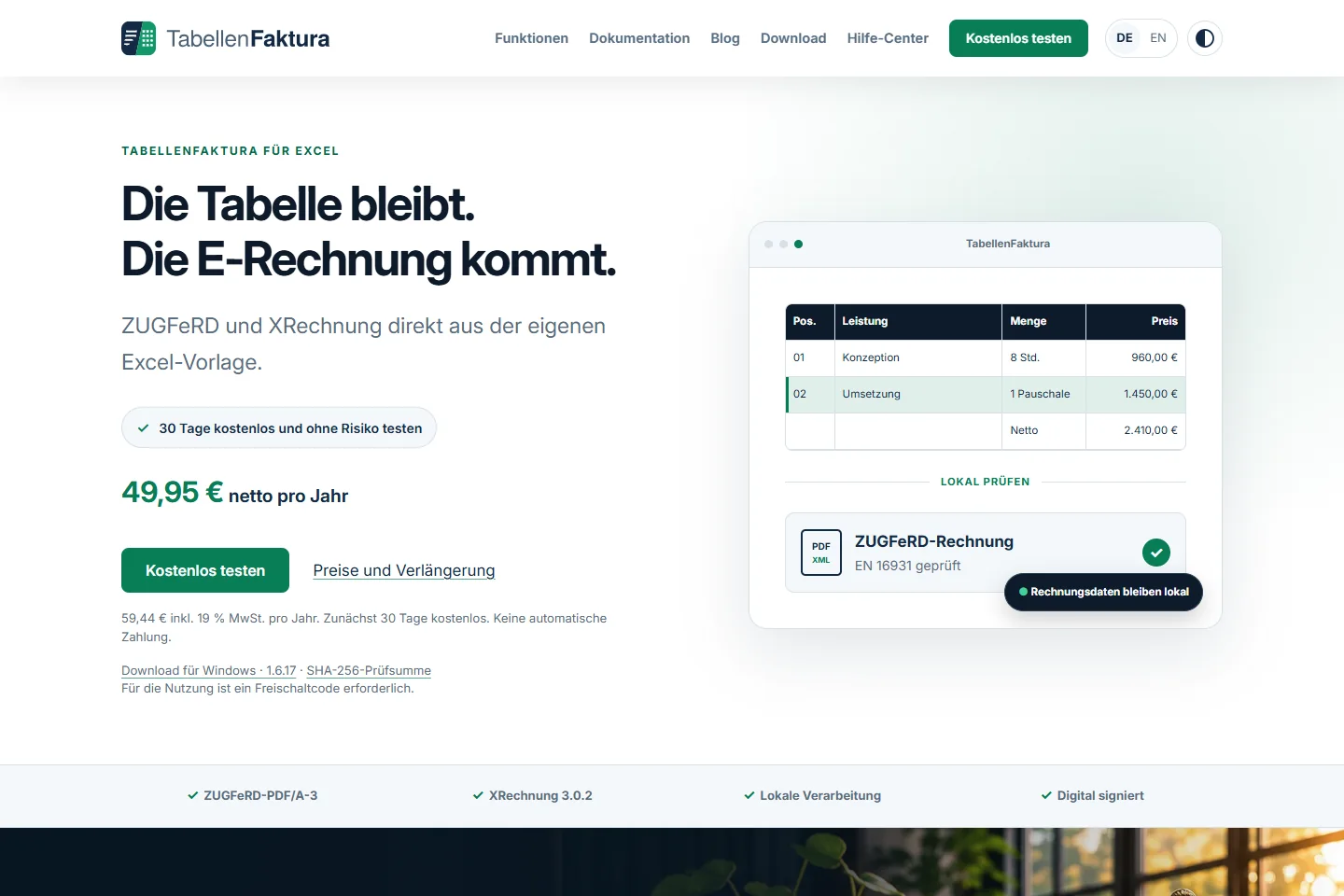
Two appearances of the same website. The visual identity remains recognisable while surfaces and contrasts adapt. Original views captured on 10 November 2026.
Behind the interface
The real work is in the details.
Every project brings its own requirements. These decisions shape the implementation of TabellenFaktura.
Connecting different templates
Invoice spreadsheets have different structures. Field mapping connects the existing template with the information needed for output, keeping the workflow grounded in familiar documents.
Making results and checks understandable
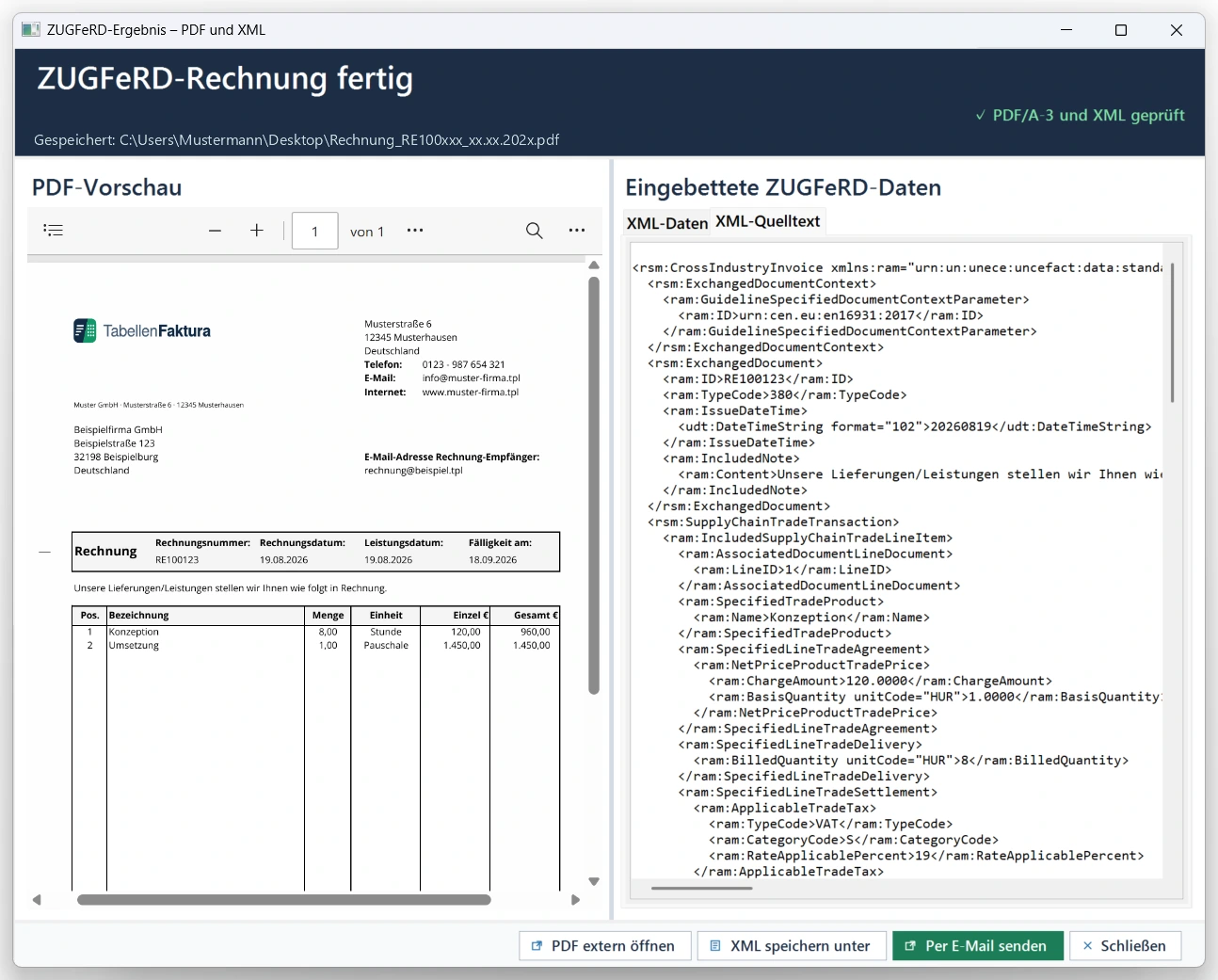
ZUGFeRD and XRechnung are different output formats. Preliminary checks and a dedicated result view make processing visible. Technical checks and understandable feedback belong together.
Considering the whole journey
Creating a file is not the final task. The invoice journal, number reservation, archiving and prepared Outlook drafts connect generation with the work that follows.
How it connects
A journey with a clear destination.
- 01
Map
Connect invoice fields to the template.
- 02
Check
Review information before output.
- 03
Generate
Create ZUGFeRD or XRechnung.
- 04
Continue
Use the journal, archive and email draft.
Original project views
A closer look at the project.
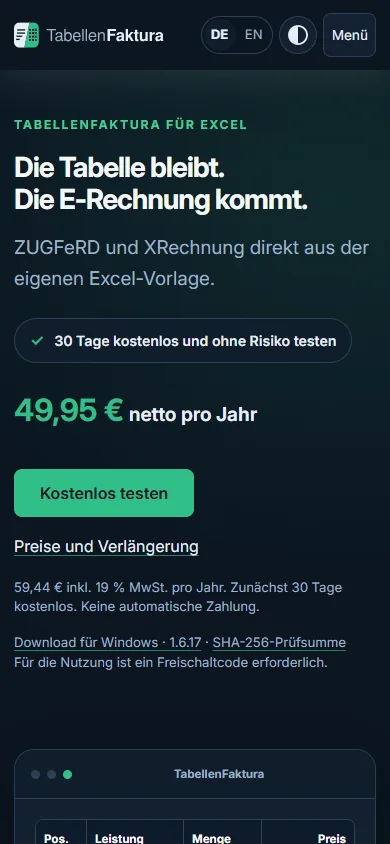
The product website explains features and workflow. The Windows extension stays where invoice data originates: inside Excel.
 Enlarge
Bringing the project into focus
From Excel to a visible result.
Purpose, implementation and outcome
What defines this project.
The task
Businesses and self-employed professionals often create invoices using templates suited to their daily work. TabellenFaktura makes this workflow usable for structured electronic invoices. Familiar work in Microsoft Excel on Windows provides the starting point.
The focus is the journey from existing invoice information to the generated file. The necessary steps should connect and remain understandable within a clear interface.
Implementation in Excel
An Excel extension maps invoice fields, reads line items and generates ZUGFeRD or XRechnung. Preliminary checks and a result view accompany processing, making the individual steps visible within the application.
The workflow also includes an invoice journal, invoice number reservation and archiving. Prepared Outlook drafts support the subsequent sending process. Together, these functions connect invoice creation with the associated administrative tasks.
Software and product communication
A dedicated product website complements the application, providing information, downloads and updates. Design, copy and interaction are treated as connected parts of the product.
The work combines Windows development, Excel integration and a website with brand and interface design. Content explains the application and helps users understand its functions.
The result
TabellenFaktura is a published Windows extension for businesses and self-employed professionals who create invoices in Excel. It shows how a targeted addition can connect existing tools with a new workflow.
Installation, upgrades and delivery are part of ongoing product work. Experience with these processes also informs our custom software development.
Services involved
- Apps and custom software
- Websites and web applications
- Brand and design
- Content and ongoing development

Quality in the browser
A compelling website needs to feel good, too.
The product website needs to explain features and make downloads easy to find. Useful measurements therefore also cover feature pages and mobile entry points. Windows extension performance needs separate assessment.
 AZRA · AI character
What this means for your project
Good ideas convince through the way they connect.
Custom software does not always need to replace everyday tools. A focused extension can connect familiar software with a new business workflow.
A different challenge. A distinct solution.