

AlarmRoutine: when a fire-brigade alert turns on the lights
A DIVERA alert can trigger lights and sound at home and in the fire station. AlarmRoutine, our own application, connects the systems behind these routines.
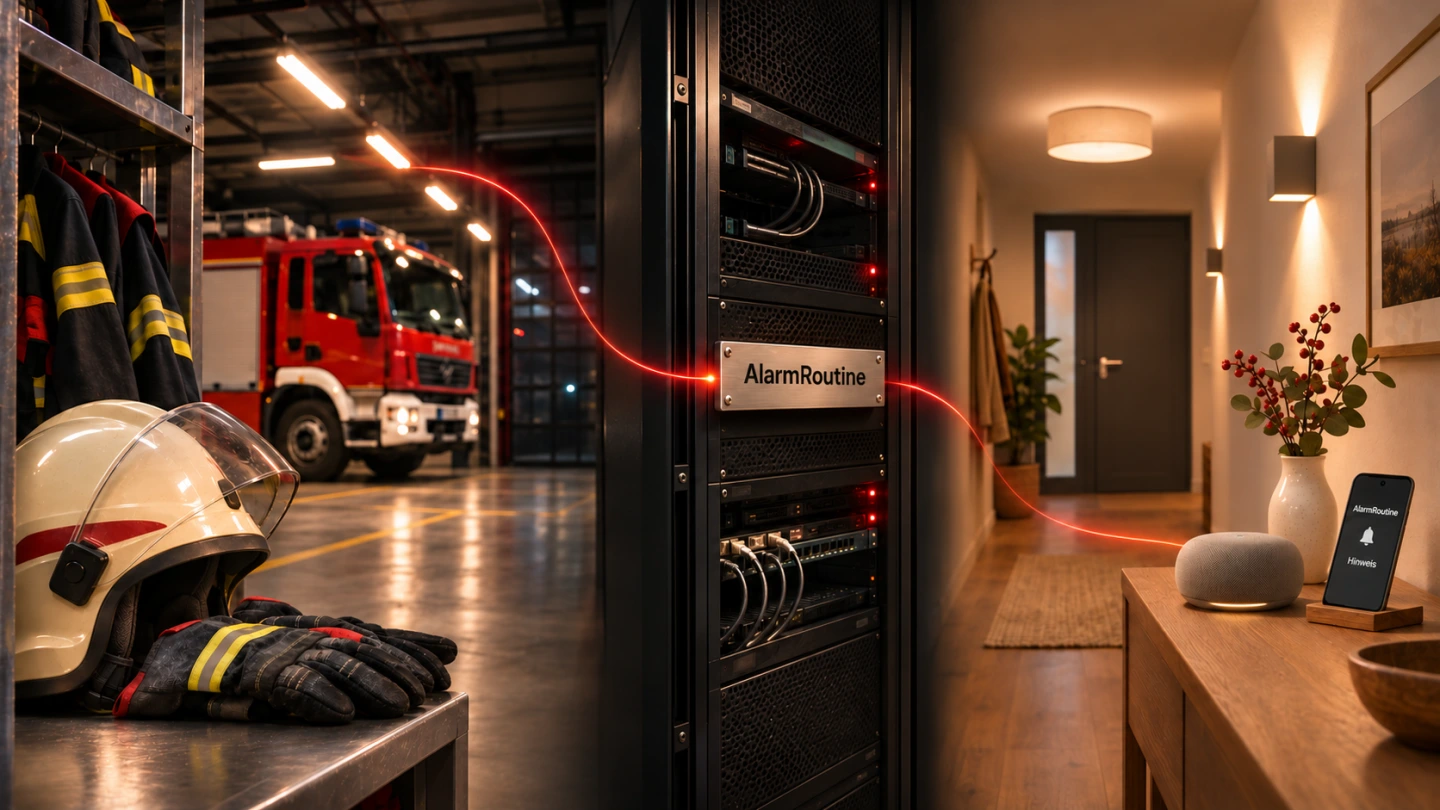
The alert arrives. The hallway light comes on. A chime draws attention to it. AlarmRoutine connects DIVERA 24/7 to these additional actions at home and in the fire station. It is the software connection between the existing alert source and compatible destination systems. Family members can also receive a neutral notification through the companion Android app.
Updated on 3 November 2026. Product features have been checked against the current AlarmRoutine offering.
At home and in the fire station
The phone signals an alert. A hallway lamp turns on. A compatible audio system plays a short chime. These additional routines can help in everyday life without requiring every member to own the same smart-home equipment.
This is where AlarmRoutine comes in. DIVERA 24/7 supplies the trigger. AlarmRoutine connects it to the configured routines. The destination system performs the action. The choice of light or sound is configured in the user's own smart-home environment.
At home, the practical benefit may be a lit route from the bedroom to the front door. At the fire station, a configured routine can switch on hall lighting before members arrive. A neutral chime can add an audible indication through a connected sound system. Each of these is a configured action whose operation must be tested in its actual setting.
01AlarmRoutine
From an alert to a routine.
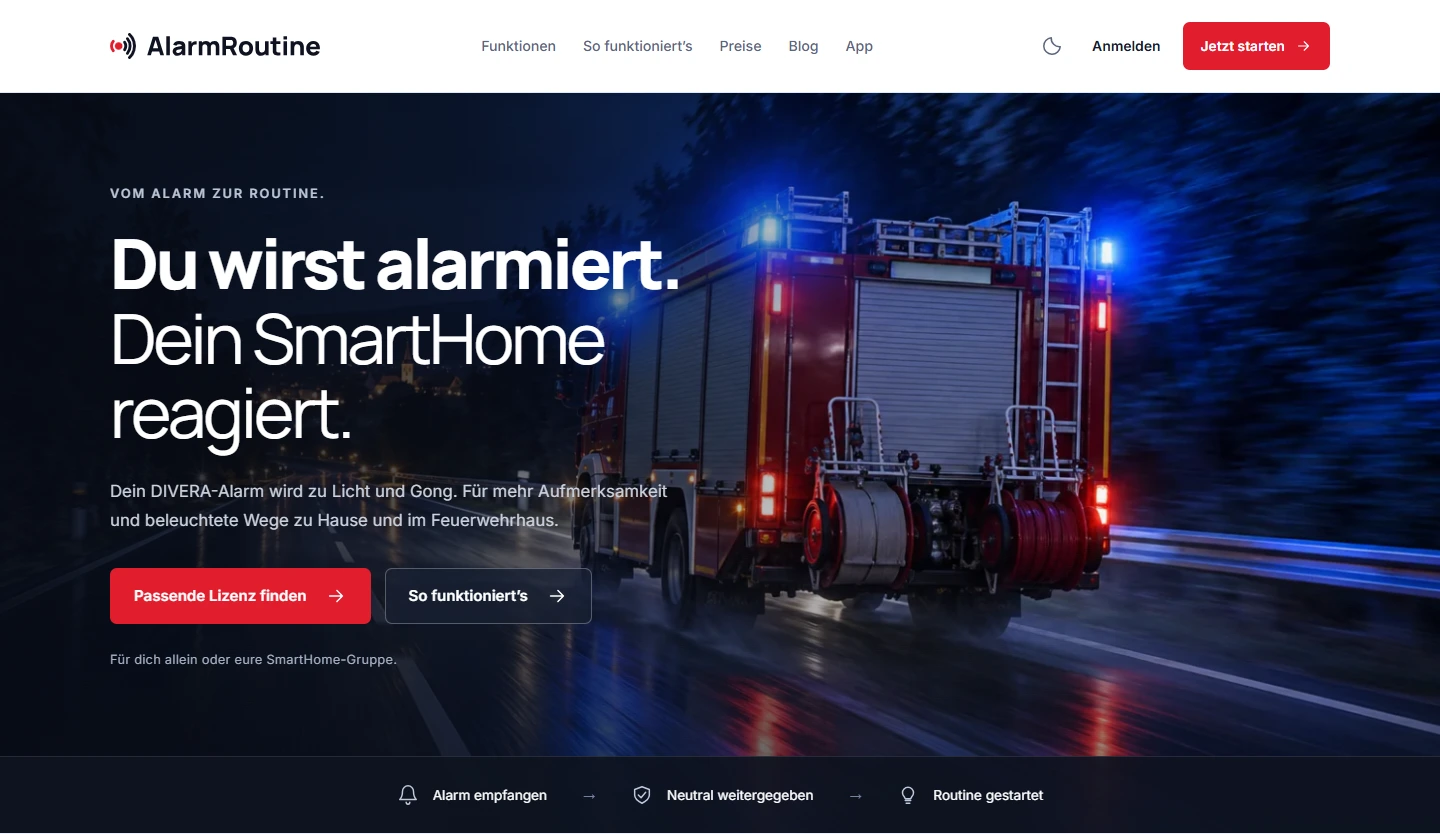
One input, different destination systems
An authorised administrator first creates a protected input. Its receiving address is then configured in DIVERA 24/7 as a JSON webhook with a stable event ID. A webhook is an automatic data handover: an event in one system starts a process in another.
Personal connections sit on the receiving side. AlarmRoutine supports Home Assistant, Alexa through Voice Monkey, ioBroker and Node-RED. Custom systems with a suitable HTTPS webhook can also be connected. The destination must be able to process the agreed trigger. This does not automatically make any arbitrary lamp compatible.
02The connections
One signal. Different destinations.
Alert source
DIVERA 24/7Protected webhook
Software connection
AlarmRoutineDistributes the signal to enabled, approved destinations.
Connected destination systems
- Alexa
via Voice Monkey
- Home Assistant
- ioBroker / REST
- Node-RED
- Raspberry Pi
- Generic HTTPS webhook
At home and in the stationConnected systems switch on lights or play a chime.
For family membersThe companion Android app provides neutral notifications.
Shared use, individual settings
For shared use, a fire-brigade area provides clear responsibilities. Fire-brigade administrators manage the shared area. Invitations and member accounts can be delegated to a designated person. Each member connects and manages their own routines. Custom destination addresses are reviewed and approved by a fire-brigade administrator.
This arrangement combines a shared starting point with different needs at home. Someone using Home Assistant can configure a different action from someone using Alexa. An individual licence can also be purchased privately. Users sign in with their own AlarmRoutine account.
03Personal access
Your account. Your routines.
A neutral signal for lights and sound
A smart-home destination does not need an incident description to process a simple trigger. AlarmRoutine therefore excludes incident text, addresses and coordinates from its outgoing signal to these destinations. A light can react without knowing the location or details of an incident.
This is a specific limitation on the information passed to the destination. It is not a blanket claim that no personal or incident-related information is processed anywhere in the workflow. The relevant privacy information for the services and the actual configuration still applies.
Set up, check, activate
A manageable routine is a good starting point. A lamp is a better first test than a complex sequence with many dependencies.
- Set up access: Choose the appropriate licence and create an individual or shared area.
- Connect DIVERA: Create the protected input in AlarmRoutine and configure it in DIVERA 24/7.
- Configure a destination: Connect the chosen system and set up the actual action there. Obtain the required approval when using a shared area.
- Test the complete path: Check the technical result in the portal and verify at the device that the intended action actually happened.
- Activate and retest after changes: Changed credentials, new devices or revised routines can affect the workflow.
The delivery log shows whether a destination system accepted the trigger. Failed or expired deliveries can also be reviewed. Technical acceptance alone does not prove that a light is on. Portal checks and observation at the device therefore belong together. The AlarmRoutine setup guide explains the individual steps in German.
Android as an additional reception channel
The web platform is accompanied by an Android app for existing accounts. It is available as an APK on the AlarmRoutine website and requires Android 8 or later. Setup guides users through notifications, battery permissions and lock-screen settings.
The app regularly checks the server for messages, currently approximately every 15 to 16 seconds. It does not offer guaranteed real-time push delivery. Reception is unavailable without an internet connection or after the app has been force-stopped. The app needs to be reopened after a force stop.
A local display test checks how a notification appears on the phone. The full reception path should also be tested while the device has been locked for a longer period. The relatives role receives neutral notifications only, with no incident details or administrative access. A notification does not confirm that a particular person is taking part in an incident. Downloads and reception guidance are available on the AlarmRoutine app page in German.
What you need to use it
AlarmRoutine uses an annual licence covering the required number of accounts. The current offering includes up to 20 routines per member. Administrative roles count towards the purchased accounts for a group. Individual arrangements are available for multiple fire-brigade areas and specific requirements.
DIVERA 24/7, suitable smart-home accounts and the necessary hardware are required separately. Any external service fees are also separate from the AlarmRoutine licence. The current licence overview provides the available options in German.
AlarmRoutine is an additional convenience feature. It replaces neither official emergency alerting nor emergency-service alerting equipment. It must not be used for life-critical or safety-critical actions.
A product developed by Agentur Zentral
AlarmRoutine illustrates how we turn a practical requirement into a usable application. Integrations connect existing systems, roles define responsibilities and a clear interface makes personal settings accessible. The web platform, Android app and product website form a connected product experience.
The central mechanism is a rule-based connection. This workflow does not require AI to make decisions about an alert. What matters is a traceable sequence and a result that can be checked in the actual environment where it is used.
Read more about our work in the AlarmRoutine case study. Features and ways to get started are available directly at alarmroutine.de.
Frequently asked questions about AlarmRoutine
Can I use AlarmRoutine on my own?
Yes. An individual licence can be purchased privately. Group licences are available for shared use.
Does AlarmRoutine replace alerts from DIVERA?
No. DIVERA 24/7 remains the connected alert source. AlarmRoutine adds personal convenience features and does not replace official emergency alerting equipment.
Does it work with every smart-home device?
Connections use supported services or a suitable HTTPS webhook. Whether a particular device reacts depends on its integration and the action configured in the destination system.
Does only the alerted person receive the signal?
The base functionality distributes the signal to all activated and approved destinations of the fire brigade. Individual recipient lists from DIVERA 24/7 are not evaluated.
Where can I find the current features?
The AlarmRoutine feature overview describes available connections, roles and usage limits in German. Website screenshots in this article were captured on 3 November 2026. The generated cover brings three settings together: protective equipment and a vehicle inside the fire station, server infrastructure representing the software connection and a home with lights, a speaker and a supplementary phone notification. The server is not a specific AlarmRoutine hardware product and the phone display is symbolic.